Guest Paging System for Waiting Guests
A guest paging system gives customers a simple alert when it is time to return to the counter, reception desk, pickup window, or nursery check-in area. Instead of keeping everyone clustered near staff, guest pagers let people sit, browse nearby, or wait in a quieter area until they are called.
Where Guest Paging Systems Fit
- Restaurants and takeout counters that want faster, calmer order pickup.
- Cafes and food halls where guests spread out after ordering.
- Clinics and waiting rooms that want quieter patient flow.
- Church nurseries that need parent notification during service.
- Repair desks, service counters, and small businesses with customer queues.
What Makes a Good Guest Paging Workflow
The best workflow is simple: assign a pager, call the pager when service is ready, collect it back, and return it to the charging base. Numbering, staff habits, and return placement should be clear before rush hours. A system that is easy for staff to repeat will produce better results than a complicated setup with too many moving parts.
Start with the Right Quantity
STMITE organizes the buying path around practical pack sizes instead of pretending every buyer needs a different product. Review the 10 pager system, 16 pager system, 20 pager system, and 24 pager system pages to match normal peak waiting volume.
Related STMITE Guides
- Wireless paging system planning
- Restaurant pager system
- Coaster pager system
- All STMITE paging system solutions
Browse paging systems or ask STMITE for help.
FAQ
Is a guest paging system the same as a restaurant pager system?
They overlap. Restaurant pager systems are a common type of guest paging system, but guest paging can also fit clinics, churches, service desks, and food halls.
What matters most for guest pager performance?
Transmitter placement, building layout, charging habits, and a clear pager return process are usually more important than buying the largest pack immediately.
Can I use one guest paging system across multiple counters?
It depends on how the counters share guests and how staff call pager numbers. Contact STMITE if you need a multi-counter plan.
Next useful pages
Compare The Next STMITE Pager Path
These internal links connect the main commercial pages, live product path, and comparison pages for faster buyer discovery.Core buying paths
- Restaurant Pager SystemMain restaurant pickup and waiting-area buying path.
- Wireless Paging SystemBroad planning page for restaurants, clinics, and service desks.
- Wireless Calling SystemReturn-call workflow for pickup and service counters.
- Customer Paging SystemCustomer callback planning for waiting areas and counters.
Pickup notifications
- Takeout Pager SystemFood pickup and takeaway counter notification path.
- Order Ready Pager SystemOrder-ready alerts for food, drink, and service pickup.
- Customer Notification SystemOn-site customer notification without app or phone signup.
- Queue Paging SystemQueue flow page for customers waiting away from the counter.
Product and comparison
- Paging Systems CategoryBrowse the live STMITE paging system product category.
- Wireless Guest Pager System ProductReview the current live guest pager product page.
- Pager System ComparisonCompare use cases, sizes, and setup decisions.
- Pager System Buying GuideChoose by waiting flow, quantity, range, and staff routine.
- Wireless Calling System ComparisonCompare pagers with SMS, screens, and call-button workflows.
- Best Restaurant Pager SystemChoose by pickup volume, waiting area, and staff workflow.
- Long Range Pager SystemPlan distance, walls, transmitter placement, and waiting zones.
- Pager System vs SMS QueueCompare on-site pagers with phone-based queue alerts.
STMITE product library
Compare guest paging products from the real product library
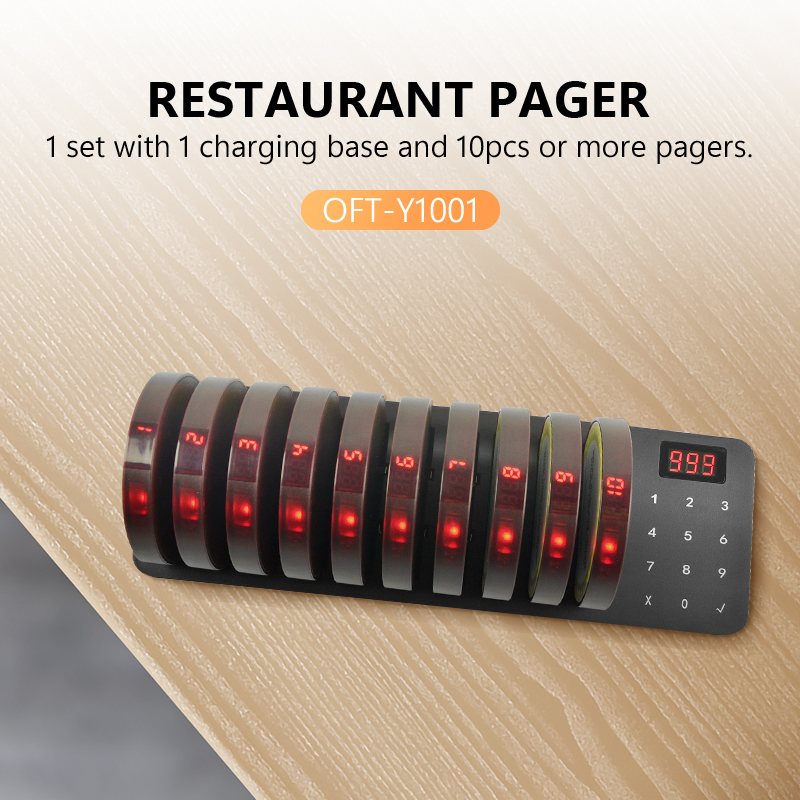
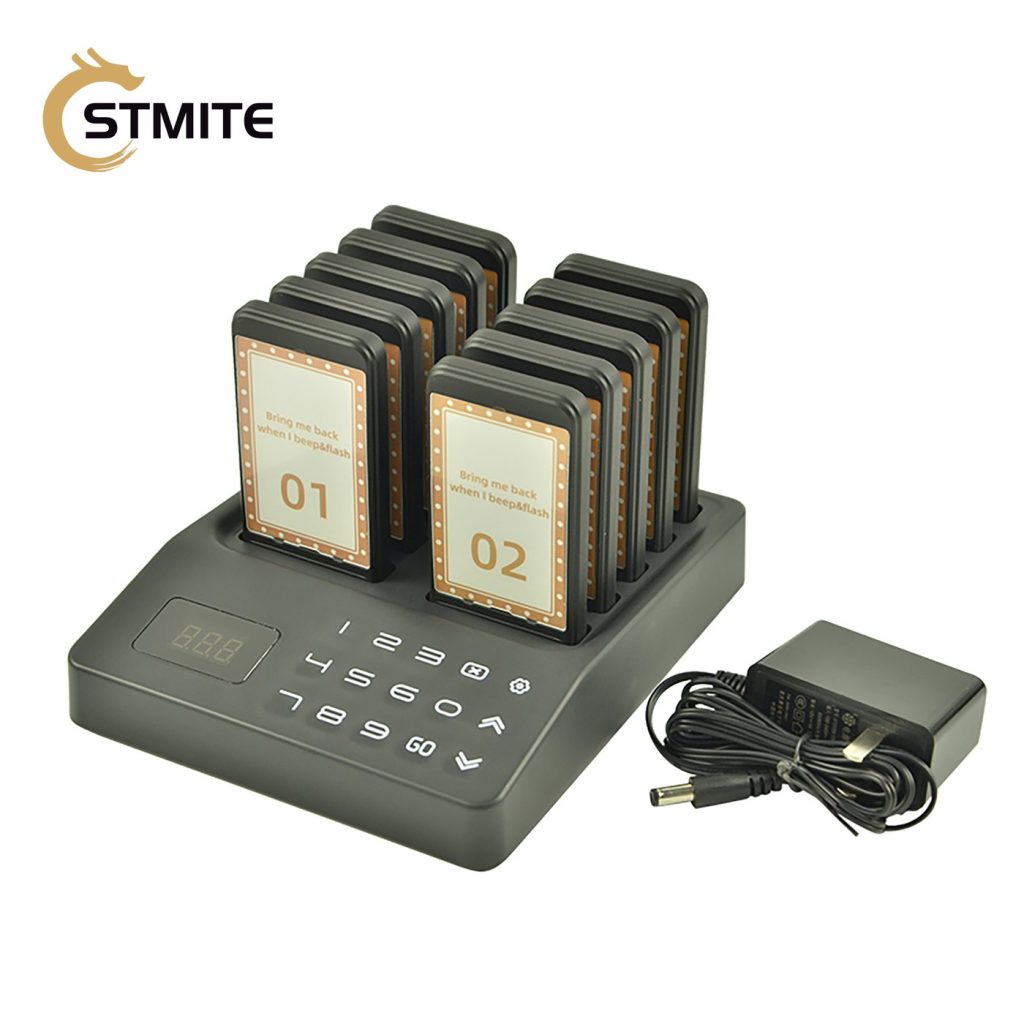
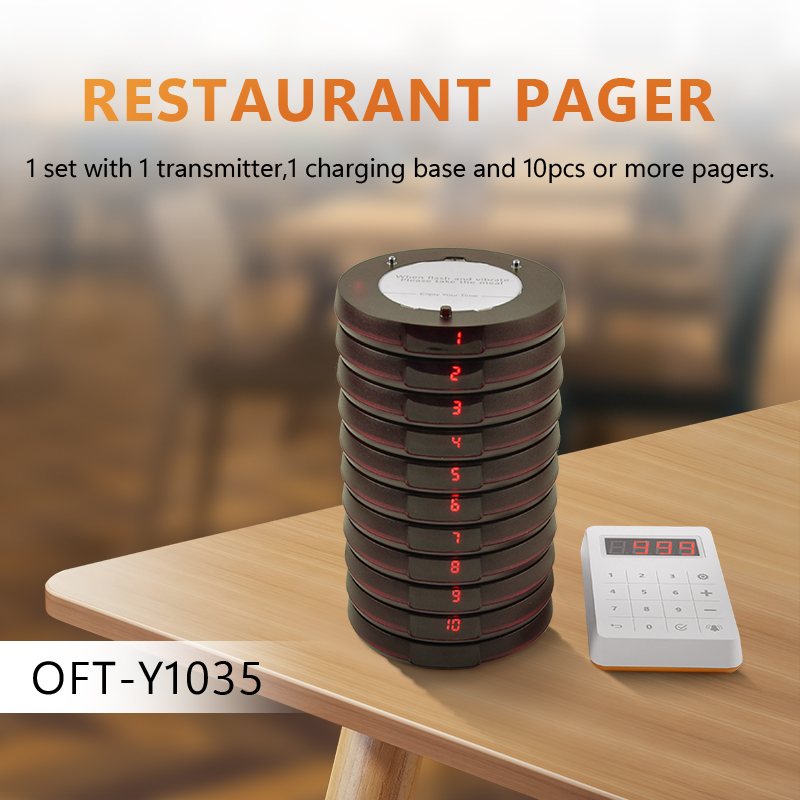
Use these product-library images as the visual reference for pager format, base size, and kit quantity. No outside or illustrative scene images are used in this section.