
The best restaurant pager system is not always the largest kit. It is the system that matches your busiest normal waiting count, your handoff counter layout, and the way staff assign, call, collect, and recharge pagers during rush periods.
What Best Means for a Restaurant
For a small counter, best usually means simple training, clear pager numbering, and enough pagers for the lunch or dinner rush. For a busy pickup window, best may mean extra pager capacity, a clean return point, and a transmitter location that staff can use without slowing down food handoff.
Choose by Active Waiting Count
- 10 pager system: small cafes, food trucks, and light pickup flow.
- 16 pager system: steady restaurant or drink pickup counters.
- 20 pager system: busier takeout windows and rush-hour queues.
- 24 pager system: larger waiting groups or multi-station pickup.
What to Check Before Ordering
Confirm where guests wait, how far they move from the counter, where the transmitter sits, and how pagers come back to the charging base. If customers wait outside or behind thick walls, review long range pager system planning before buying.
Recommended Buying Path
- Start with the restaurant pager system page.
- Compare the closest pack size for your active waiting count.
- Review pager system comparison if you are not sure which use case fits.
- Contact STMITE before bulk orders, outdoor waiting, or multi-location purchases.
FAQ
How many restaurant pagers should I start with?
Use the highest number of customers waiting at the same time during a normal rush, then leave a small buffer for pagers still with guests.
Should I buy the biggest pager kit first?
Not always. A smaller kit with a clear staff workflow can perform better than a larger kit that is hard to assign, collect, or recharge.
What is the best STMITE page to compare options?
Start with the restaurant pager system page, then compare the 10, 16, 20, and 24 pager buying guides.
Best Restaurant Pager System: What Buyers Should Check
A restaurant pager system works best when customers wait nearby and staff need a fast reusable pickup notification workflow. Before choosing a set, focus on the pickup counter process instead of only the device count.
- Estimate the busiest 30-minute pickup window.
- Decide where customers wait after ordering.
- Make the pager handout and return process visible for staff.
- Use a clear pickup CTA so customers know where to go next.
Restaurant Pager Alternatives
SMS notifications may fit customers who leave the location. Physical guest pagers usually fit on-site pickup, food courts, cafes, and quick-service counters where customers stay nearby.
Related STMITE Guides
Next useful pages
Compare The Next STMITE Pager Path
These internal links connect the main commercial pages, live product path, and comparison pages for faster buyer discovery.Core buying paths
- Restaurant Pager SystemMain restaurant pickup and waiting-area buying path.
- Guest Paging SystemGeneral guest waiting and return-call planning.
- Wireless Paging SystemBroad planning page for restaurants, clinics, and service desks.
- Wireless Calling SystemReturn-call workflow for pickup and service counters.
- Customer Paging SystemCustomer callback planning for waiting areas and counters.
Pickup notifications
- Takeout Pager SystemFood pickup and takeaway counter notification path.
- Order Ready Pager SystemOrder-ready alerts for food, drink, and service pickup.
- Customer Notification SystemOn-site customer notification without app or phone signup.
- Queue Paging SystemQueue flow page for customers waiting away from the counter.
Product and comparison
- Paging Systems CategoryBrowse the live STMITE paging system product category.
- Wireless Guest Pager System ProductReview the current live guest pager product page.
- Pager System ComparisonCompare use cases, sizes, and setup decisions.
- Pager System Buying GuideChoose by waiting flow, quantity, range, and staff routine.
- Wireless Calling System ComparisonCompare pagers with SMS, screens, and call-button workflows.
- Long Range Pager SystemPlan distance, walls, transmitter placement, and waiting zones.
- Pager System vs SMS QueueCompare on-site pagers with phone-based queue alerts.
STMITE product library
Choose the best restaurant pager system from real product images
Restaurant buyers should judge the actual pager kit, transmitter, charging base, and pack size instead of a stock-style scene image.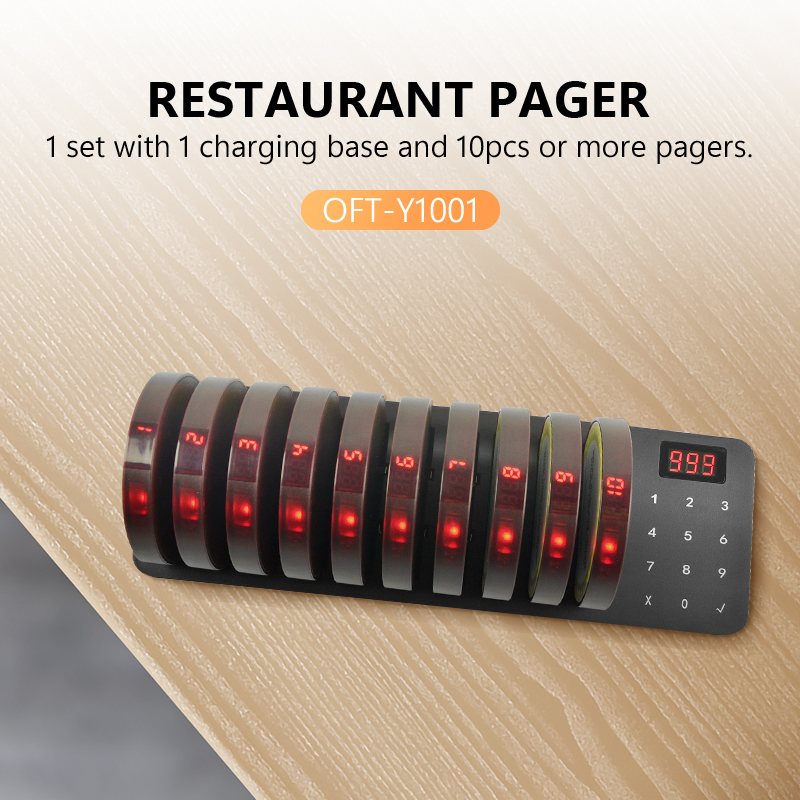
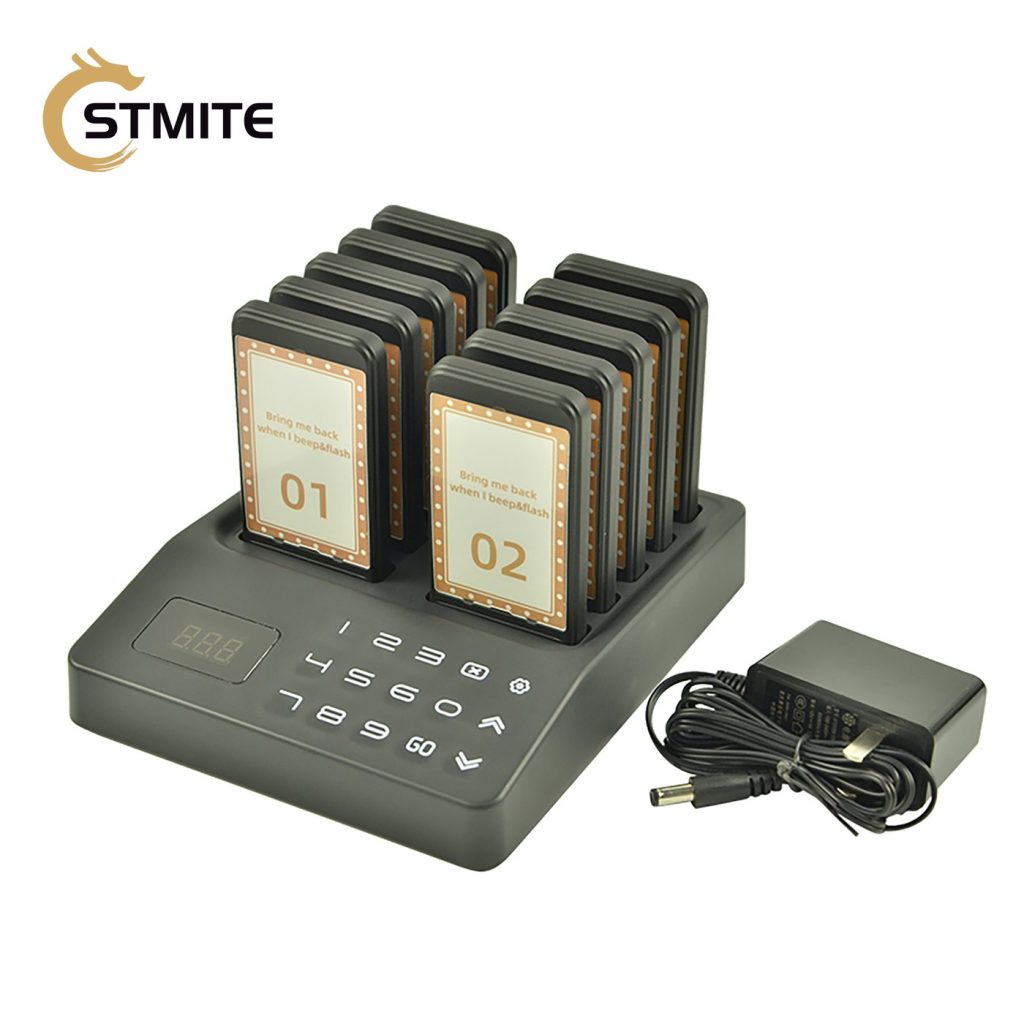
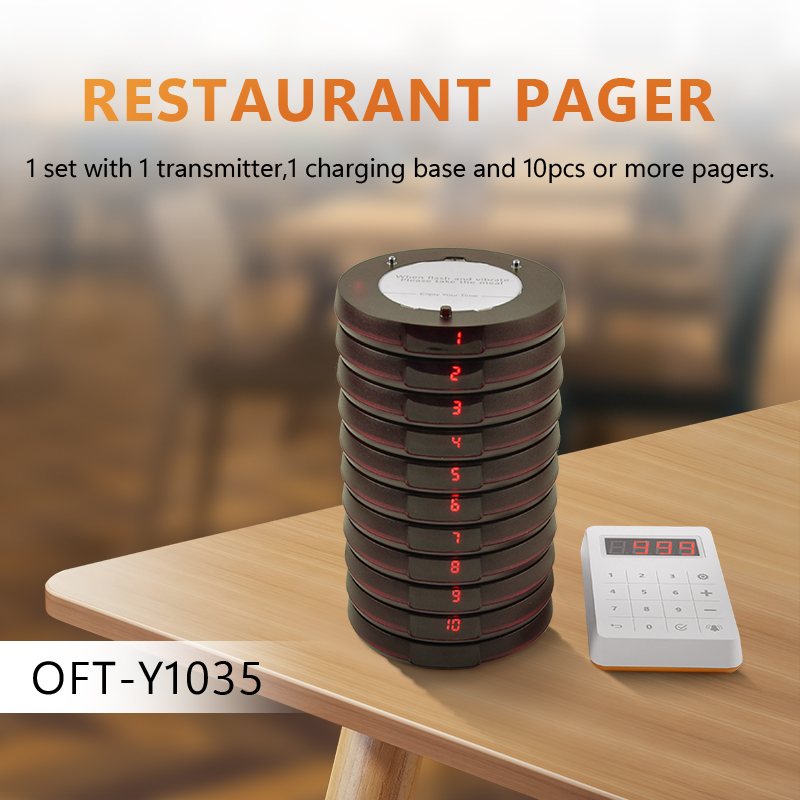
- Start with the peak number of waiting guests.
- Review the product image and kit contents.
- Choose a kit size with enough return buffer.