
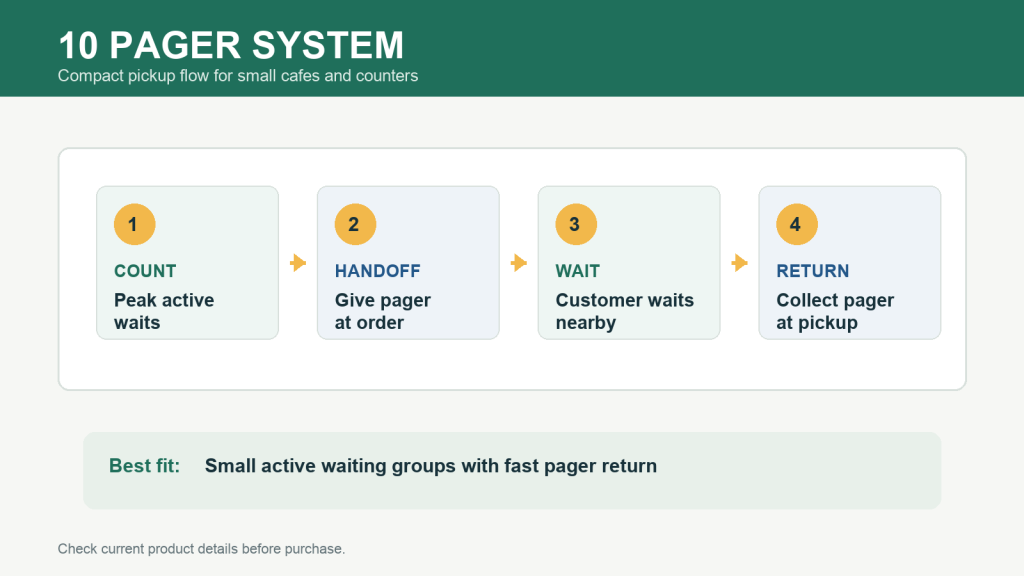
A 10 pager system is often enough for a small cafe, bakery, dessert counter, tea shop, or compact service desk when the busiest normal period creates a limited group of customers waiting at the same time. The key is to size the kit by active waiting demand, not by daily order count.
When a 10 pager system makes sense
Choose a 10 pager system when customers wait nearby, orders turn over quickly, and staff can recover pagers soon after pickup. This setup is practical for counters that want to reduce crowding at the register without managing a larger station than they need.
Before buying, watch one normal busy window and count the highest number of pagers that would be out at the same time. If that number stays comfortably within a compact kit, a 10 pager system can keep the counter simple.
10 pager system fit checklist
| Buying question | What to check | Why it matters |
|---|---|---|
| Peak active waits | Count simultaneous waiting customers during a normal rush. | Shows whether 10 pagers leave enough working buffer. |
| Return speed | Check how quickly pagers come back after pickup. | Slow returns reduce the number available for the next customer. |
| Counter space | Confirm where the transmitter and charging base can sit. | Keeps the station easy for staff to reach and explain. |
| Waiting area | Decide where customers should stand or sit after handoff. | Prevents the pickup point from becoming crowded again. |
When to compare a larger kit
If your active waiting count often gets close to the full set, compare the 16 pager system or 20 pager system guide. A larger kit may be easier to manage when pickup timing is uneven or pagers are not returned quickly.
If your counter has regular meal-period surges, also review the restaurant pager system page and the food buzzer system page for food-service workflows.
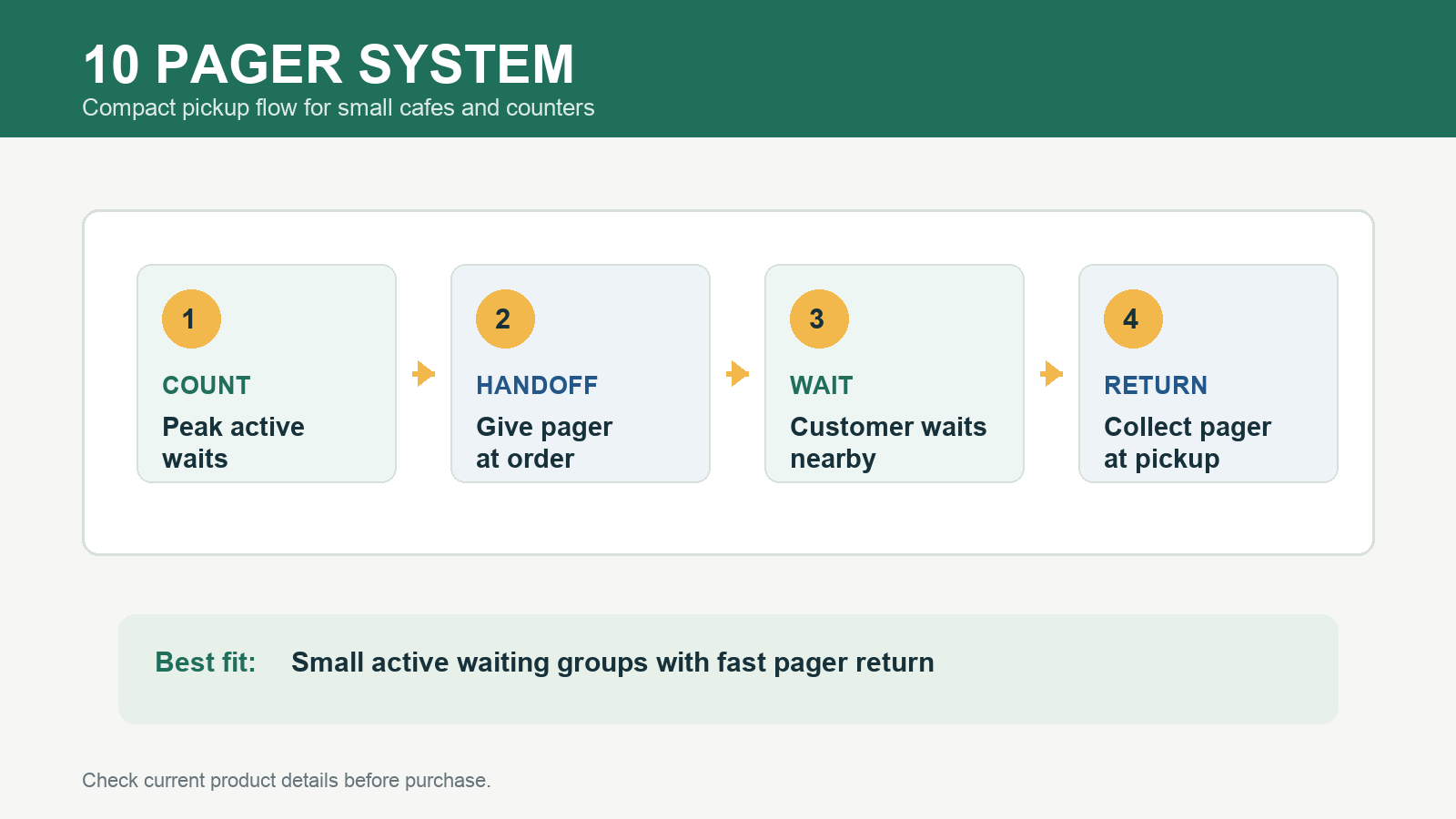
Common small-counter workflow
- Take the order and hand the pager to the customer.
- Ask the customer to wait in the marked area instead of standing at the register.
- Call the pager when the order is ready.
- Collect the pager at pickup and place it back at the station.
Buying cautions before checkout
- Do not choose by daily order volume alone; use simultaneous waiting count.
- Do not assume range, battery runtime, certifications, warranty terms, or stock status without checking current product details.
- Make sure staff have one short instruction for customers: keep the pager, wait nearby, and return when alerted.
- Leave a small buffer for pagers that have not yet returned.
Review STMITE options
Use the STMITE shop to review current pager system options. For a compact setup, start with the 10 pager product page, then contact STMITE if you want help checking fit for your counter layout.
FAQ
Is a 10 pager system enough for a cafe?
It can be enough when the active waiting group is small and pagers return quickly after pickup. Count simultaneous waits during a normal busy period before deciding.
Should I buy 10 or 16 pagers?
Choose the smaller option only when it covers normal peak waiting with buffer. Compare 16 pagers if the counter often has more customers waiting at the same time.
Can a 10 pager system reduce pickup counter crowding?
Yes, when staff give clear waiting instructions and customers return pagers at pickup. The system works best as part of a visible handoff and return routine.
Bottom line
A 10 pager system is a practical compact choice for a small cafe or pickup counter when active waits stay limited and the return loop is clear. Count real simultaneous waits, compare current STMITE product information, and ask for layout help before ordering if the workflow is uncertain.