
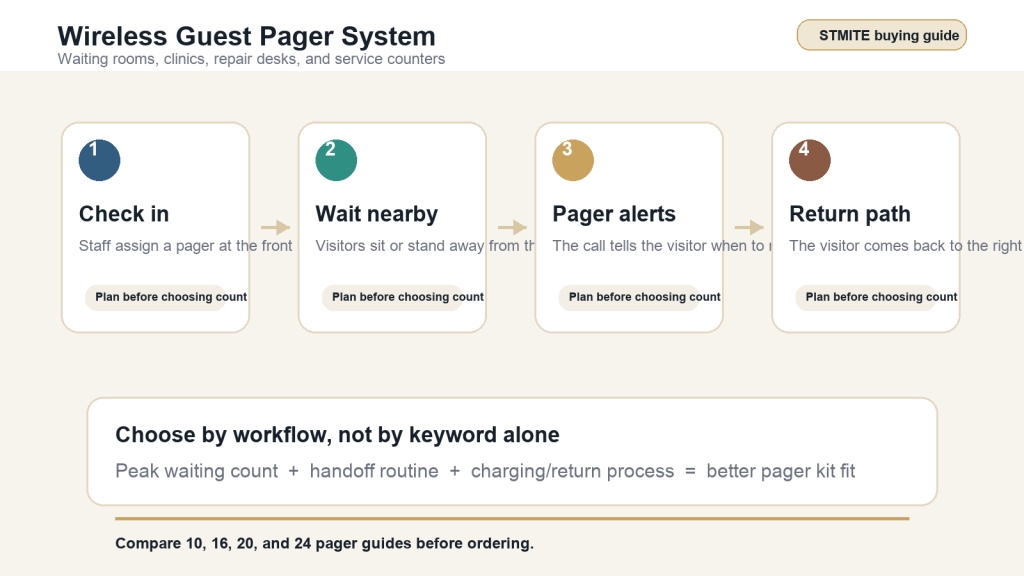
A wireless guest pager system is often purchased for restaurants, but the same buying logic also fits waiting rooms, clinic callbacks, repair desks, and service counters. The goal is simple: let visitors wait more comfortably while staff keep a clear way to call the next person back.
This guide focuses on choosing the right pager setup without relying on unverified range, stock, warranty, or certification claims. Use it to prepare your buying decision before comparing STMITE kit sizes.
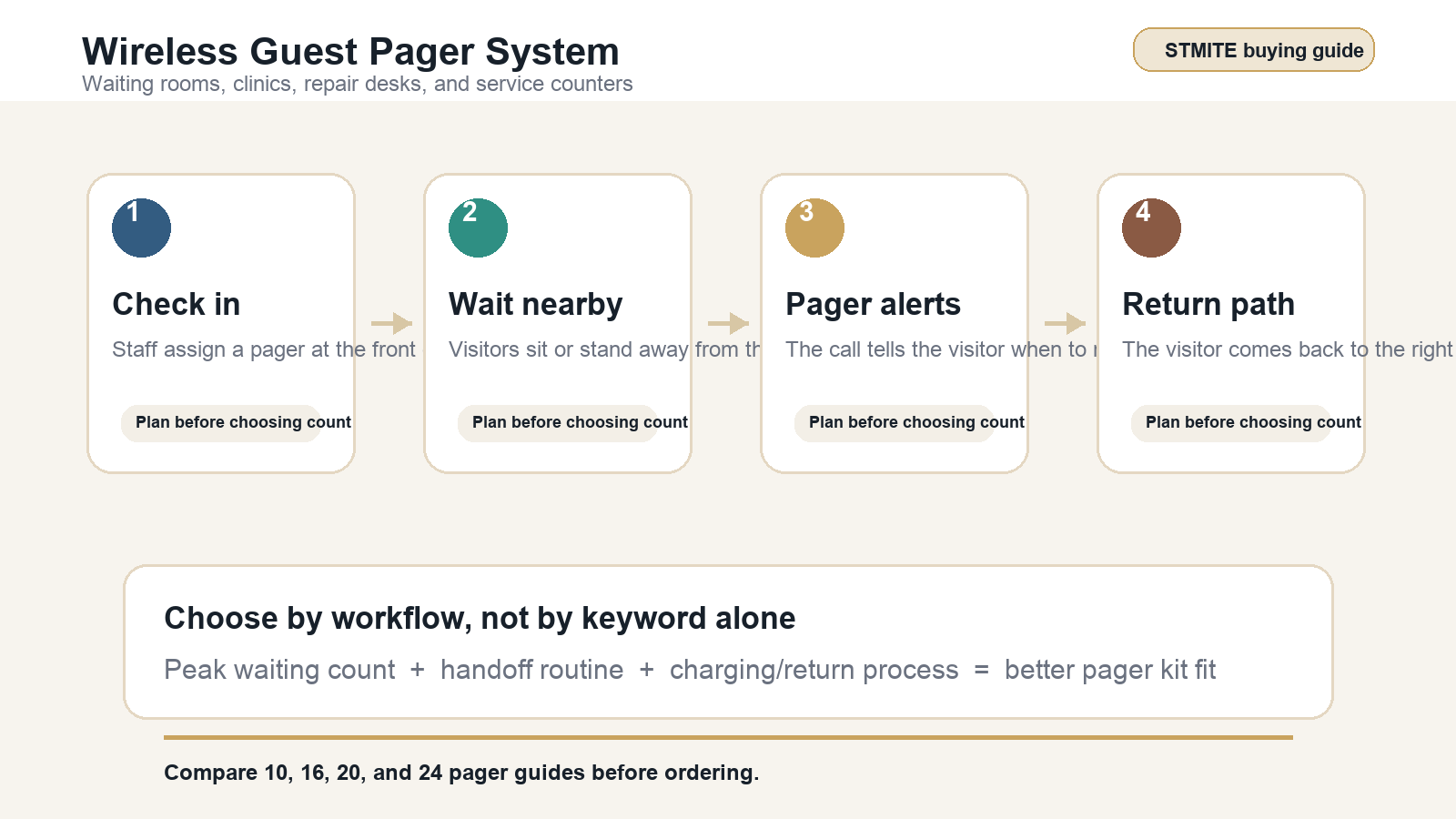
When a wireless guest pager system fits a waiting room
A pager system is useful when visitors need freedom to sit nearby, step away from the counter, or avoid repeated name announcements. It can be a better fit than calling names across a room when the environment needs to stay calmer and more private.
- Clinic or wellness waiting rooms where visitors check in and wait nearby.
- Repair counters where customers wait for device, car, or equipment updates.
- Service desks that need a cleaner callback flow after intake.
- Pickup counters where staff want customers to return only when ready.
How to choose the right pager count
Start with your busiest normal waiting count, not the quietest hour and not a rare event peak. The right kit should cover the number of visitors who may hold a pager at the same time, plus a small buffer for delayed returns, charging rotation, or staff handoff timing.
| Buying question | What to check before ordering | STMITE page to compare |
|---|---|---|
| Small waiting area | Does the active waiting group usually stay compact? | 10 pager system |
| Moderate service desk | Do several visitors wait while staff finish intake or service steps? | 16 pager system |
| Busy callback flow | Do peak periods create a longer queue or slower return cycle? | 20 pager system |
| Larger waiting room | Do you need more active pagers before the first units return? | 24 pager system |
Waiting room setup checklist
1. Decide where staff hand out pagers
The handout point should be part of the normal intake flow. Staff should not need to walk away from the counter just to assign a pager.
2. Make the return path obvious
Visitors should know where to return when the pager alerts. If the counter has more than one service position, use clear staff instructions so the pager call does not create a second line.
3. Keep the charging routine simple
Plan where pagers return after use and who resets them for the next visitor. A clear return routine is usually more important than buying extra units without a process.
4. Match the system to the room, not just the keyword
Search terms such as guest paging system, customer paging system, and wireless guest pager system can point to similar buying needs. The better decision comes from your layout, waiting count, and staff workflow.
Common buying mistakes to avoid
- Choosing only by the lowest pager count when peak waiting periods are predictable.
- Buying a larger kit without deciding how pagers will be handed out, returned, and charged.
- Assuming restaurant pager advice always fits clinic or service-desk privacy needs.
- Comparing unverified claims instead of checking the actual product page and asking STMITE when the setup is unclear.
Where to compare STMITE pager options
Start with the STMITE pager system shop to compare available kit sizes. If you are still estimating quantity, review the 10 pager system, 16 pager system, 20 pager system, and 24 pager system guides.
For food-service use cases, you can also compare the restaurant pager system and food buzzer system pages. For a clinic, repair counter, or service desk, contact STMITE or use WhatsApp with your waiting count and room layout.
FAQ
Is a wireless guest pager system only for restaurants?
No. Many buyers use similar pager workflows for waiting rooms, clinics, service desks, pickup counters, and repair counters where people wait nearby until staff call them back.
How many pagers should a small waiting room buy?
Use your busiest normal active waiting count as the starting point. Then compare the 10, 16, 20, and 24 pager guides before choosing a kit.
Can pagers reduce front-desk crowding?
They can help when the workflow is clear: staff hand out a pager at check-in, visitors wait nearby, and the alert tells them when to return. The result depends on the room layout and staff process.
What should I send STMITE before asking for help?
Send your use case, peak waiting count, whether visitors stay in one room or nearby areas, and the number of staff calling people back.
Next step
Choose the smallest pager count that covers your normal peak with enough buffer for delayed returns. Compare models in the STMITE shop, then contact STMITE if your waiting room or service desk has an unusual layout.