
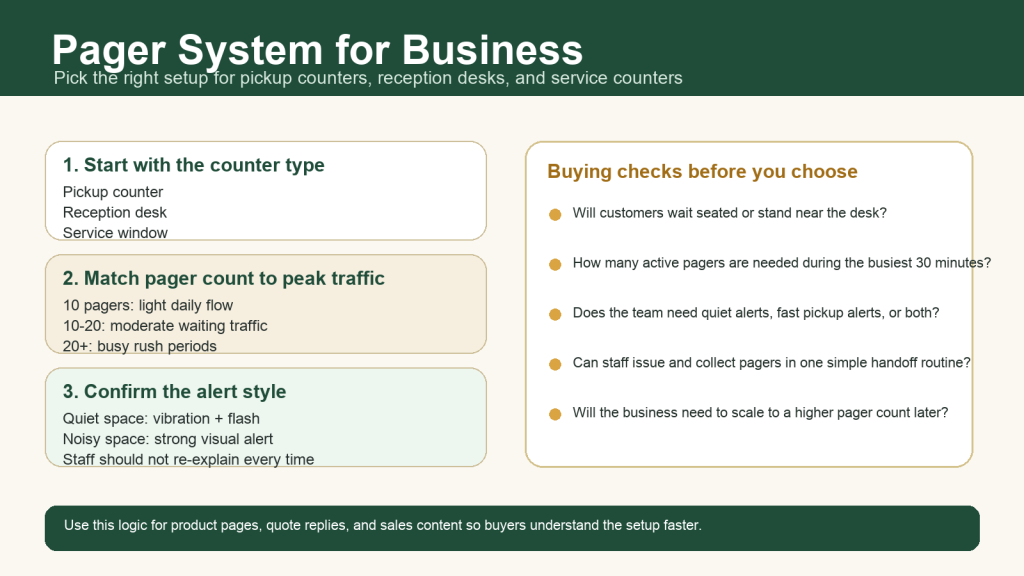
A pager system for business helps staff call customers back without crowding the counter. It works well for pickup counters, reception desks, clinics, service centers, and other places where people need to wait but should not stand in one line the whole time.
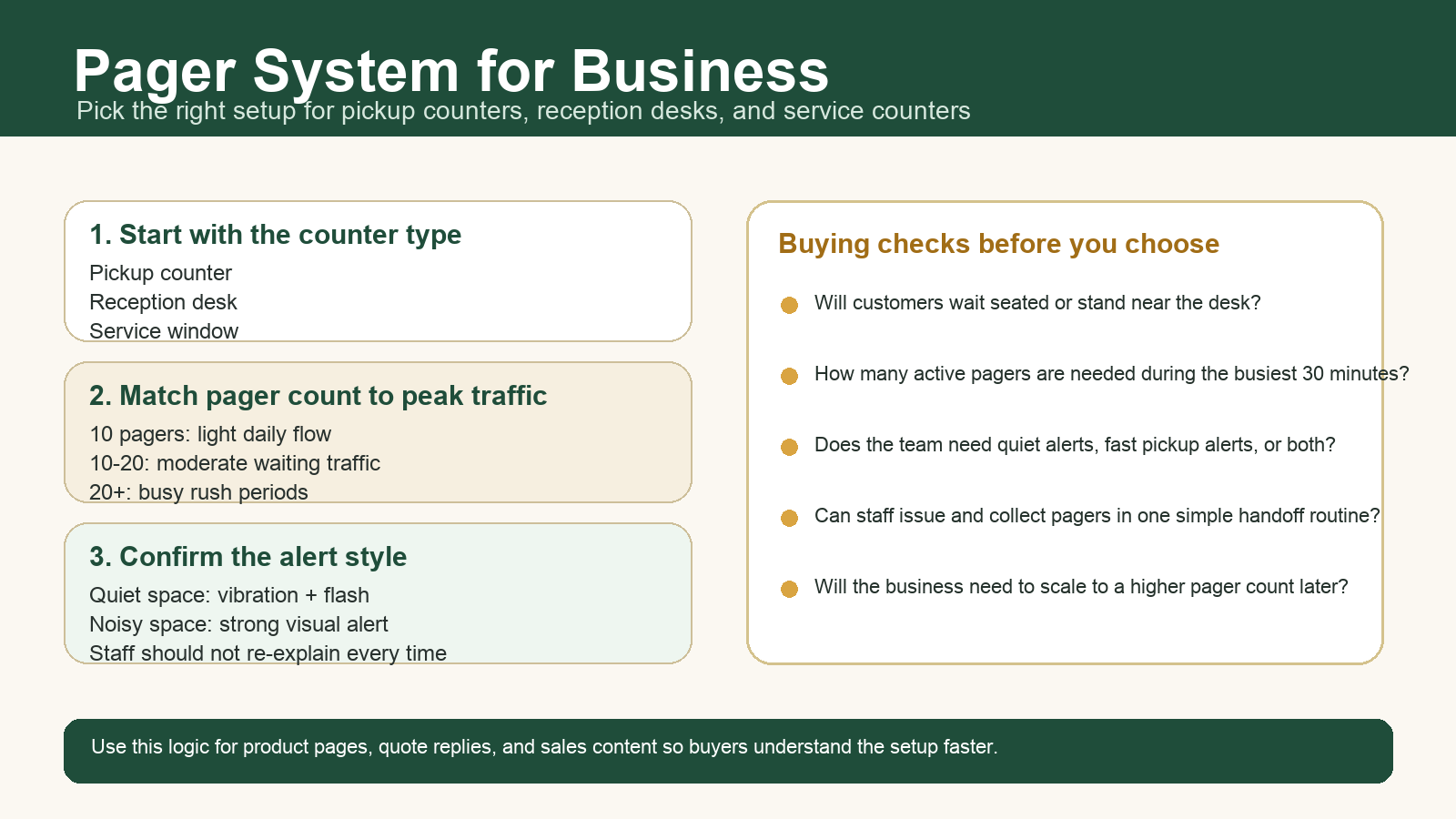
Why this page matters
The latest verified Search Console data for STMITE shows impressions coming from terms such as pager system for business, pager systems, and wireless paging systems. The gap is simple: buyers are seeing relevant pages, but the page needs to answer the business use case faster so more impressions can turn into clicks.
Most buyers are not only comparing hardware. They want to know whether the system will reduce counter pressure, speed up handoff, and fit their daily workflow.
1. Start with the business scenario
Choose the setup by how the staff and the customer interact, not only by product name.
| Business scenario | Best fit | What to confirm first |
|---|---|---|
| Pickup counter | Guest pager system | How many orders wait at peak time |
| Reception desk | Quiet vibration and flash alerts | Whether guests wait seated or move around |
| Service counter | Simple call-back workflow with spare pagers | How often staff call multiple guests in a short period |
2. Choose pager quantity by peak demand
A 10-pager kit is often enough for a smaller pickup desk or reception point. If your business regularly has longer wait times, multiple service windows, or a busy rush period, you should plan for a larger set and keep a few extra pagers available.
- 10 pagers: small cafe counters, front desks, light daily volume.
- 10 to 20 pagers: clinics, multi-staff reception, service desks with moderate waiting traffic.
- 20+ pagers: busy restaurant pickup zones, food courts, or businesses with heavy peak-hour queues.
3. Check the alert style before you compare range claims
For many businesses, the biggest issue is not maximum distance. It is whether the guest notices the alert in the real environment. In quiet waiting rooms, vibration and flashing light are usually more practical than sound-only alerts. In noisy pickup areas, strong visual alerts matter even more.
If staff need to explain the alert every time, the workflow is still too complicated. The best pager system is the one customers understand immediately.
4. Map the return workflow
A good pager system for business should reduce friction, not add another manual step. Use a simple routine:
- Give the pager when the customer checks in or places the order.
- Let the customer wait away from the counter.
- Call the pager when service, pickup, or handoff is ready.
- Collect the pager when the customer returns.
This process helps reduce crowding, repeated name calling, and missed pickup moments. It also makes the business look more organized during busy periods.
5. What to compare before buying
- Pager count: enough for the busiest part of the day, with a few spare units.
- Charging setup: easy to stack, charge, and reset at closing time.
- Alert type: vibration, flash, and sound options based on the environment.
- Counter workflow: whether staff can issue and collect pagers quickly.
- Expansion plan: whether you may need a higher pager count later.
Recommended next step
If you are choosing a pager system for business use, start by counting your busiest waiting period and matching the alert type to the real environment. STMITE provides wireless guest pager systems for pickup counters, reception desks, and service workflows where fast call-back matters.
View the STMITE wireless guest pager system, compare more options in the paging systems category, or review the pager system comparison page before choosing a setup.