
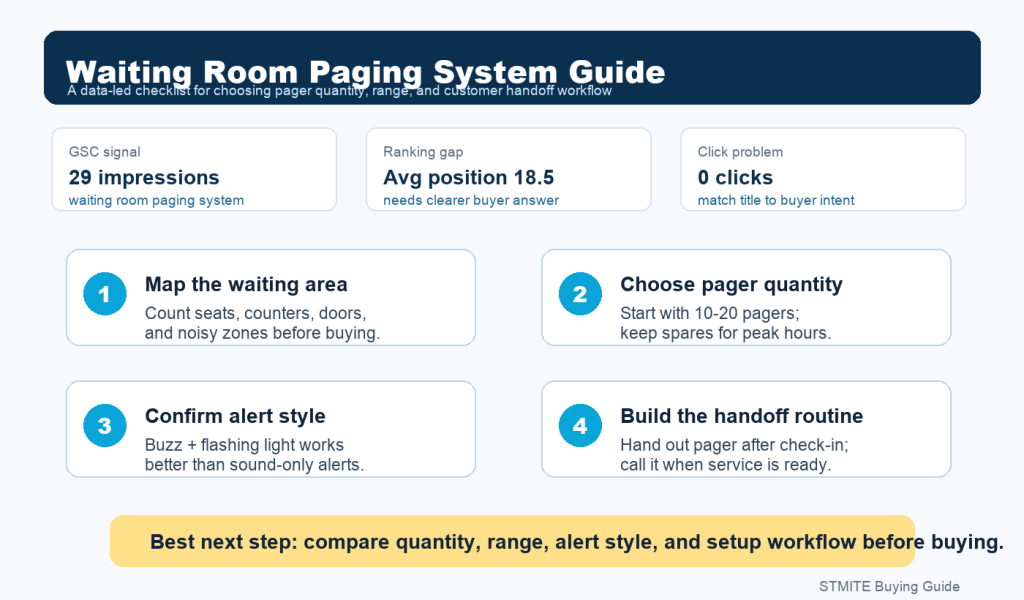
A waiting room paging system is useful when customers, patients, or guests need to wait without standing at the counter. The goal is simple: give each person a pager, let them sit down, and call them back when the order, room, or service is ready.
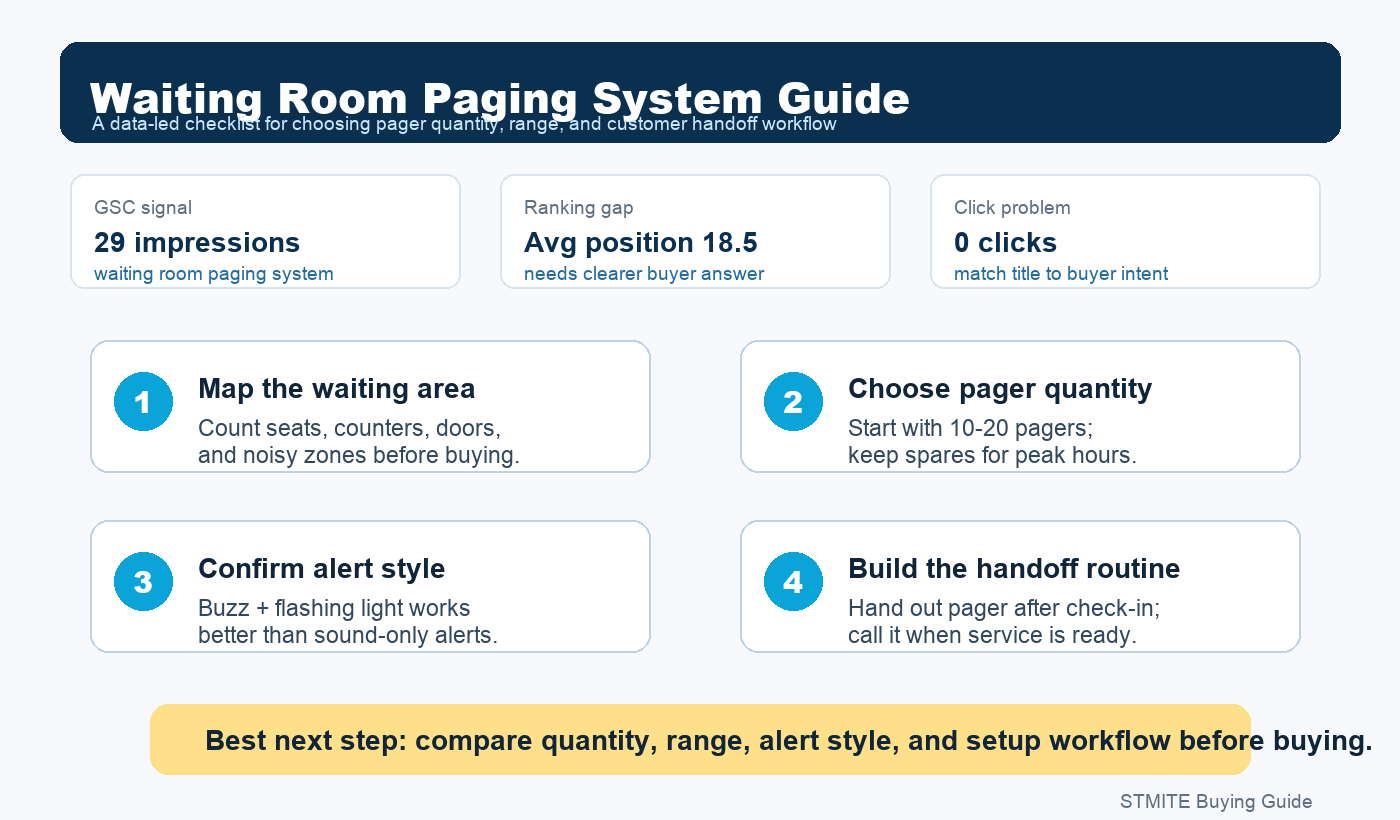
Why this topic matters now
Recent Search Console data for STMITE showed buyer interest around waiting room paging system, pager systems, and order ready pager system. The problem is not only visibility. The bigger gap is that several search terms are getting impressions but not enough clicks yet, which means the page content needs to answer the buyer’s question faster.
For a buyer, the question is rarely just “what is a pager system?” The real question is: how many pagers do I need, will customers notice the alert, and will this setup fit my counter or waiting area?
1. Start with the waiting area, not the device
Before comparing pager models, map the real waiting area. A small cafe counter, a clinic reception desk, and a service pickup window do not use pagers in exactly the same way.
- Seats and standing area: count how many people may wait at the same time.
- Counter distance: check whether guests stay near the desk or move across the room.
- Noise level: cafes, food courts, and clinics often need visual alerts, not only sound.
- Peak-hour workflow: plan for the busiest 30 minutes, not the quietest time of day.
2. Choose pager quantity by peak waiting time
For a small counter or reception desk, a 10-pager kit can be enough when orders or visits turn over quickly. If waiting time is longer, or if multiple staff members call guests at the same time, a larger set gives more room during rush periods.
| Use case | Typical starting point | What to check |
|---|---|---|
| Small cafe or pickup counter | 10 pagers | Order turnover speed and counter distance |
| Clinic or service desk | 10-20 pagers | Waiting room size and quiet alert needs |
| Busy restaurant or food court | 20+ pagers | Peak-hour queue length and spare pagers |
3. Confirm the alert style
A strong waiting room paging setup should be easy for guests to notice without creating more noise. Buzzing and flashing alerts are usually more flexible than sound-only alerts, especially in clinics, reception spaces, dessert shops, and small restaurants.
If the waiting area is quiet, avoid relying on loud beeps. If the waiting area is noisy, make sure the flashing light is visible enough. The best setup is the one guests understand without staff explaining it every time.
4. Make the handoff routine clear
The device only works if staff use a simple routine. A good workflow looks like this:
- Staff gives the pager after check-in or ordering.
- The customer waits away from the counter.
- Staff enters the pager number when the order or service is ready.
- The customer returns the pager at pickup or reception.
This reduces repeated name calling, crowding at the counter, and missed pickup moments. It also helps the buyer understand why a wireless pager system is more than a hardware purchase: it is a waiting-area workflow tool.
5. What to compare before buying
Before choosing a waiting room pager system, compare these practical points:
- Pager count: enough for peak waiting time, with a few spare units.
- Range: suitable for the real waiting area, not only an open-space number.
- Charging base: easy for staff to store and charge after every shift.
- Alert mode: vibration, flashing light, and sound options if needed.
- Replacement plan: ask how to add or replace pagers later.
Recommended next step
If you are choosing a pager system for a restaurant, clinic, cafe, or service desk, start by matching pager quantity to your busiest waiting period. STMITE offers wireless guest pager systems for small counters and larger waiting areas, including 10-pager and higher-quantity setups.
View the STMITE wireless guest pager system product page or compare more options in the paging systems category.